
PowerPoint

Elevate your PowerPoint presentations instantly with these free 3D animated templates. Perfect for business professionals, educators, and creatives seeking dynamic visuals without breaking the bank or sacrificing quality.
Modern Corporate Business 3D Presentation Template
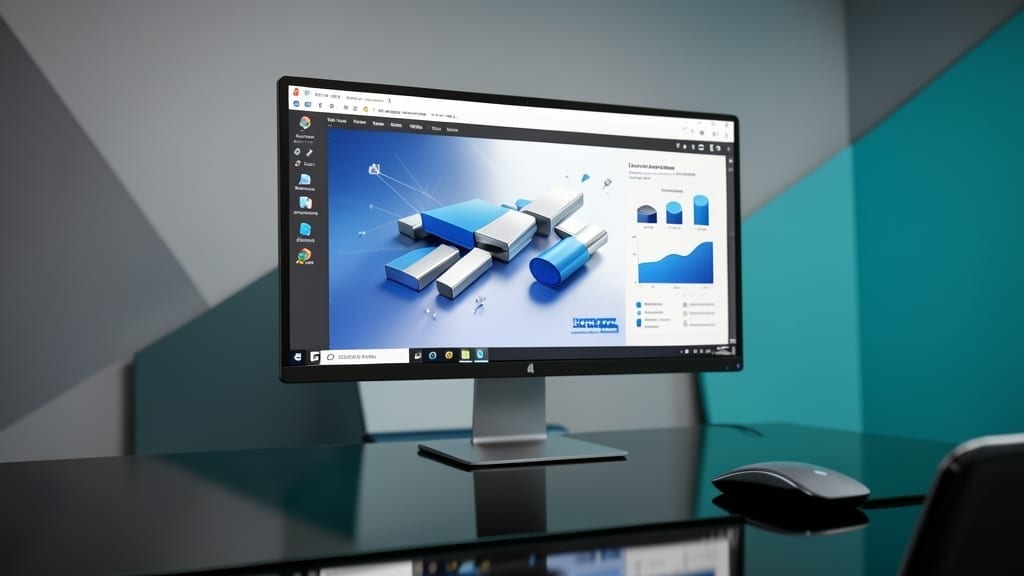
Tired of flat, static slides that fail to impress clients or stakeholders? The Modern Corporate Business 3D Presentation Template transforms your data into dynamic, eye-catching visuals with zero coding required. Designed for executives and sales teams, it includes pre-built 3D charts, animated infographics, and smooth transitions that bring numbers and features to life—perfect for quarterly reports or product launches.
Compatible with PowerPoint 2013 and later, this template features 15+ customizable slides with realistic 3D effects (like rotating graphs and depth animations) that work seamlessly across Windows and Mac. The dark blue/silver color scheme aligns with corporate branding, while drag-and-drop editing ensures you can swap content in minutes. No design skills? No problem—the pre-set animations handle the heavy lifting.
This is the go-to choice for professionals who need polished, professional presentations without the hassle of complex tools. Download it for free and watch your audience stay engaged from start to finish. ✨
Educational 3D Diagram Animation Template
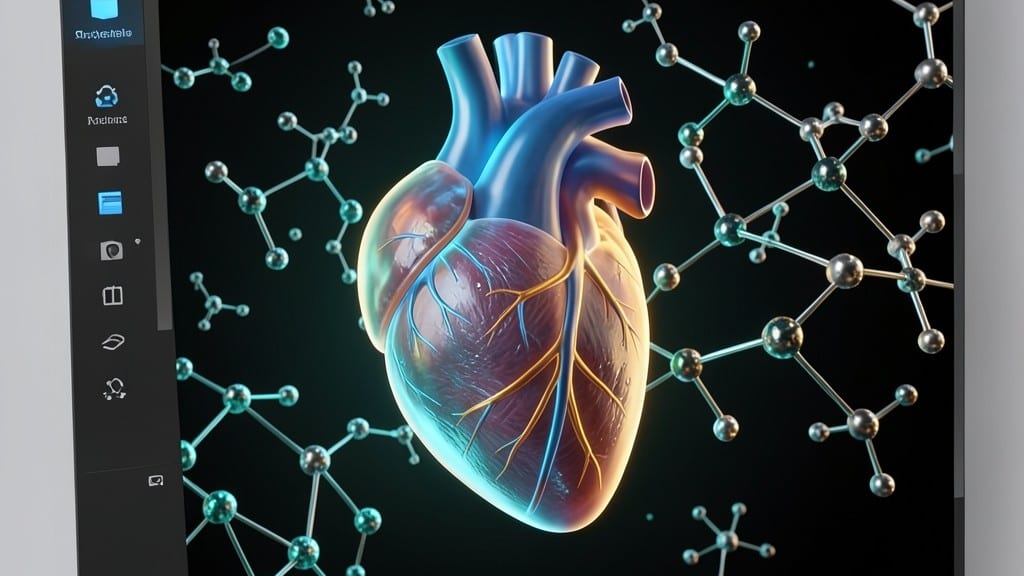
Turn abstract concepts into crystal-clear lessons with this educational 3D diagram animation template, built for teachers who want to replace static slides with interactive 3D models. Whether you're dissecting a human heart in biology or visualizing molecular bonds in chemistry, these pre-built animations bring complex subjects to life with just a few clicks.
The template includes 15+ pre-animated 3D diagrams (compatible with PowerPoint 2013+ and Mac), customizable color schemes, and zero coding required. Rotate organs, zoom into cellular structures, or animate historical events with smooth transitions—all while keeping students engaged. The PPTX format ensures easy edits, and the Creative Commons license lets you use it freely in classrooms or training sessions.
Perfect for educators, medical trainers, or STEM instructors who want to boost comprehension without tech headaches. 💡
Creative Portfolio Showcase 3D Template
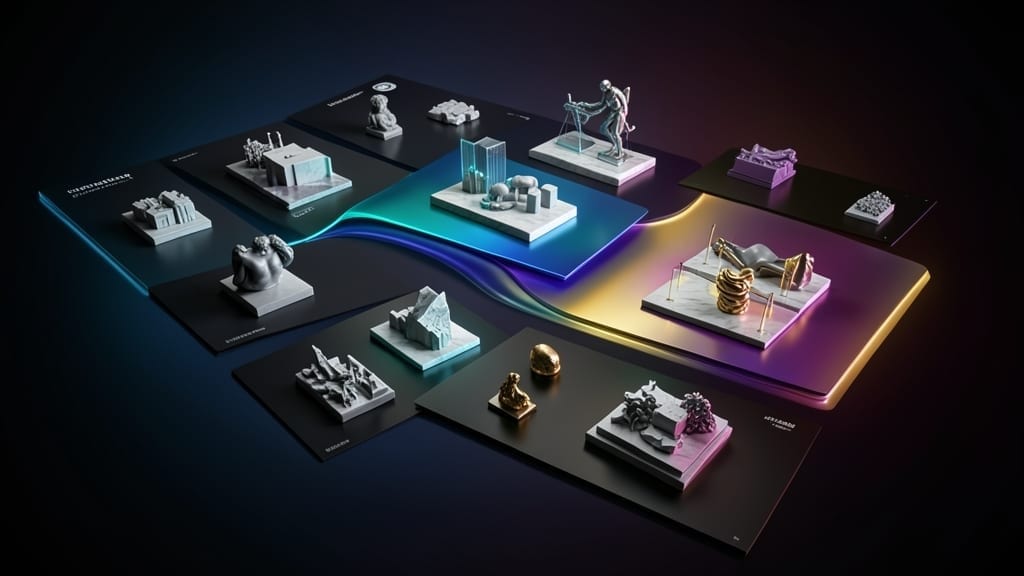
Turn your creative portfolio into an immersive experience with this Creative Portfolio Showcase 3D Template, designed specifically for designers and artists. Unlike static slides, this template brings your 3D-rendered projects to life with parallax effects and seamless transitions that make your work stand out.
The template includes pre-built animations for mockups, concept art, and project overviews, all compatible with PowerPoint 2016 and later. You’ll find gradient backgrounds, floating geometric elements, and cinematic lighting effects that elevate your portfolio’s visual impact. Simply replace placeholder images with your own designs—no coding required!
Perfect for freelancers, agencies, or students showcasing their work, this template helps you wow clients and employers with a dynamic, interactive presentation. Download it for free and make your portfolio unforgettable. ✨
3D Product Launch Animation Template

Want to turn boring product demos into jaw-dropping launches? This 3D Product Launch Animation Template lets you showcase gadgets, electronics, or packaging with 360° rotations, exploding feature highlights, and cinematic zoom effects—all without touching a single line of code.
The template includes pre-built animations for common product angles (front, side, top) plus customizable "explode" views that break down components with a single click. It’s fully editable in PowerPoint 2013+ (including Mac) and works with PPTX files, so you can tweak colors, text, and timing to match your brand. No plugins or extra software needed!
Perfect for tech startups, retail marketers, or e-commerce teams launching physical products—think smartphones, drones, or even packaging designs. Just drop in your product images, and let the animations do the selling. ✨
Interactive Timeline 3D Animation Template

Turn flat timelines into captivating 3D experiences with this Interactive Timeline 3D Animation Template, designed to breathe life into historical narratives, project milestones, or personal stories. Unlike static slides, this template uses depth effects and pop-up details to highlight key events with cinematic flair—perfect for presentations that demand more than bullet points.
The template includes pre-built 3D timeline axes with customizable color schemes (vintage wood, modern gradients, or corporate blues) and smooth transitions between eras or phases. You can embed clickable hotspots for extra details—ideal for historians adding context to events or project managers showcasing progress visually. Compatible with PowerPoint 2016/365, it requires zero advanced skills to edit animations via the built-in timeline toolbar.
Whether you're teaching a class on the Renaissance, tracking a product development cycle, or crafting a personal memoir, this template turns chronological storytelling into an immersive journey. 🌟
3D Infographic Data Visualization Template
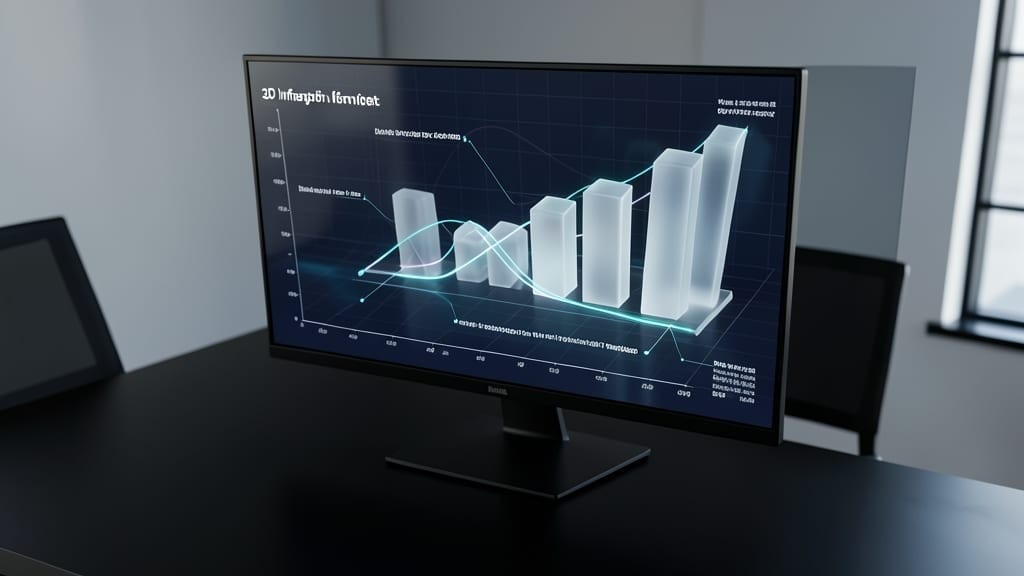
Drowning in spreadsheets and static graphs? The 3D Infographic Data Visualization Template turns complex datasets into interactive 3D charts that pop off the screen. With real-time zoom and rotation, you can drill down into trends without losing context—perfect for presentations where data tells the story.
This template includes pre-built 3D bar charts, pie graphs, and geographic maps that update dynamically when you adjust the source data. Compatible with PowerPoint 2016/365, it requires no advanced software—just plug in your numbers and let the animations handle the rest. The gradient backgrounds and depth effects make even the driest datasets visually compelling.
Ideal for data analysts, researchers, and business strategists, this template cuts prep time while boosting audience engagement. No more boring slides—just impactful insights in 3D. ✨
3D Presentation for Kids Educational Template

Turn screen time into learning time with the 3D Presentation for Kids Educational Template, packed with animated characters, mini-games, and interactive quizzes that make education feel like play. Unlike traditional slides, this template includes pre-built animations that respond to clicks—like a virtual pet that reacts when kids answer questions correctly.
The template works seamlessly with PowerPoint 2013 and later (including Mac versions) and includes 15+ pre-designed slides featuring bright colors, playful fonts, and 3D objects that pop off the screen. You can easily swap in your own content while keeping the engaging animations intact—no coding required.
Perfect for homeschooling parents, elementary teachers, or after-school tutors, this template transforms lessons into an adventure. 🌟