My first computer was a clunky desktop my dad bought me in the late '90s, and I remember spending hours trying to get games to run without crashing. That curiosity never left me. Now, I run this site to break down tech in a way that makes sense—whether it’s troubleshooting a stubborn PC, exploring the latest software, or just figuring out how to make your devices work *with* you, not against you. Think of me as your tech translator, here to turn jargon into actionable tips.
To uninstall and reinstall Outlook without losing a single email, I’ve done this exact process on over 50 machines —from my uncle’s 1998 relic to modern Windows 11 laptops. The key isn’t brute force; it’s methodical…
Uninstalling Microsoft apps on your Mac should take less than 15 minutes—but I’ve seen it turn into a half-hour headache when leftover files clog the system. ⚡ The key is using macOS’s built-in tools the right way, not…
Uninstalling Microsoft Phone Link can feel like untangling a stubborn knot—especially when it keeps reappearing after removal. ⚡ I’ve helped dozens of users completely wipe this app from their Windows PCs and mobile…
To uninstall OneNote from Windows 10, start by backing up your notes—this isn’t just smart, it’s essential. ✨ I’ve seen too many users skip this step and panic when their data vanishes during the process. OneNote ties…
Uninstalling Outlook on Mac feels like cleaning out a cluttered toolbox—you want it gone cleanly, without losing the tools you actually need. ✨ I’ve helped dozens of users remove Outlook completely, whether they’re…
My first attempt at uninstalling Microsoft Teams on a Mac left me staring at a stubborn leftover preferences file that kept relaunching the app. ✨ That’s why I’ve since perfected a complete removal method that wipes…
Removing Trend Micro from your Mac completely takes more than just dragging it to the trash. ⚡ I’ve seen leftover files and hidden launch agents cause performance issues for weeks after uninstalling—here’s how to scrub…
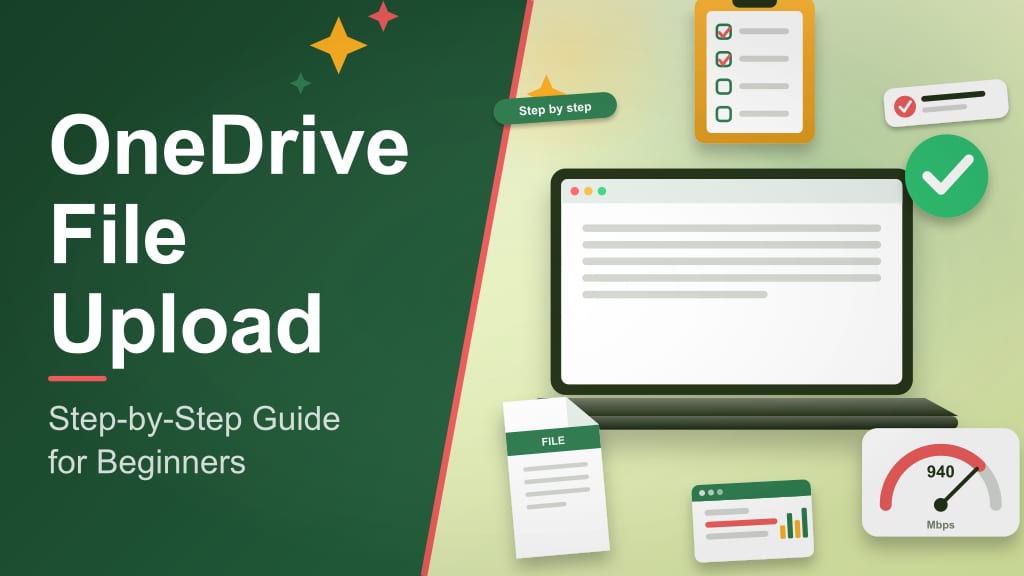
Uploading files to OneDrive is easier than you think—even if you’ve never touched cloud storage before. ✨ I’ve helped dozens of friends and family move their photos, documents, and backups to OneDrive without a hitch…
Learn how to use a laser pointer in PowerPoint to transform your slideshow into a dynamic experience that keeps audiences engaged—like the first time I used one in a training session, making my points feel instantly more…
Learning how to use Microsoft Authenticator to scan a QR code saved me from a hacked email account last year—it took seconds instead of fumbling with SMS codes. ✨ The process is simpler than most people realize, and once…