
Operating System
Boring spreadsheets won’t cut it anymore. These 10 creative financial data presentations transform complex numbers into engaging, interactive visuals that captivate stakeholders and drive better decision-making—without requiring advanced coding skills.
Animated Storytelling with PowerPoint Morph Transitions
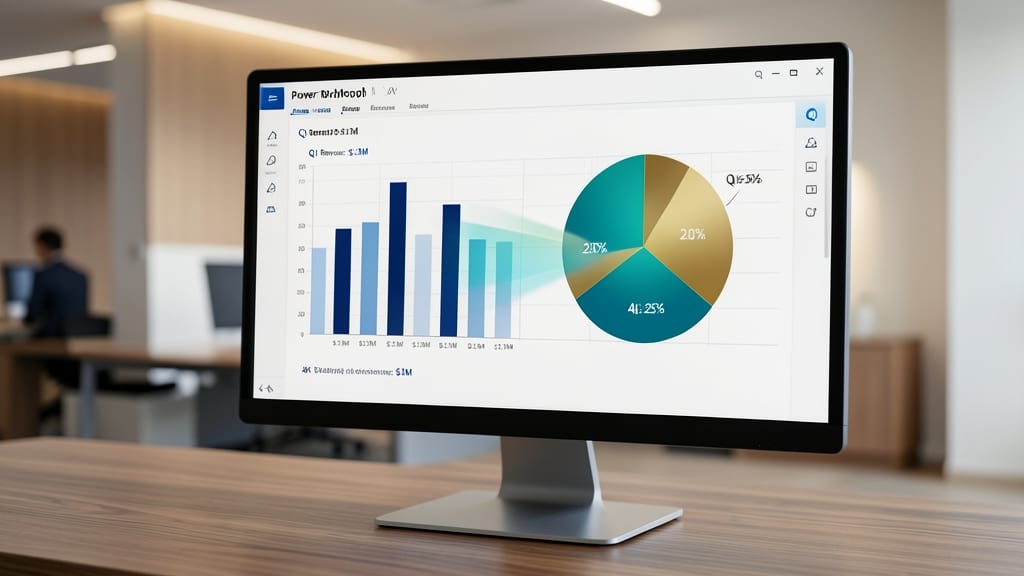
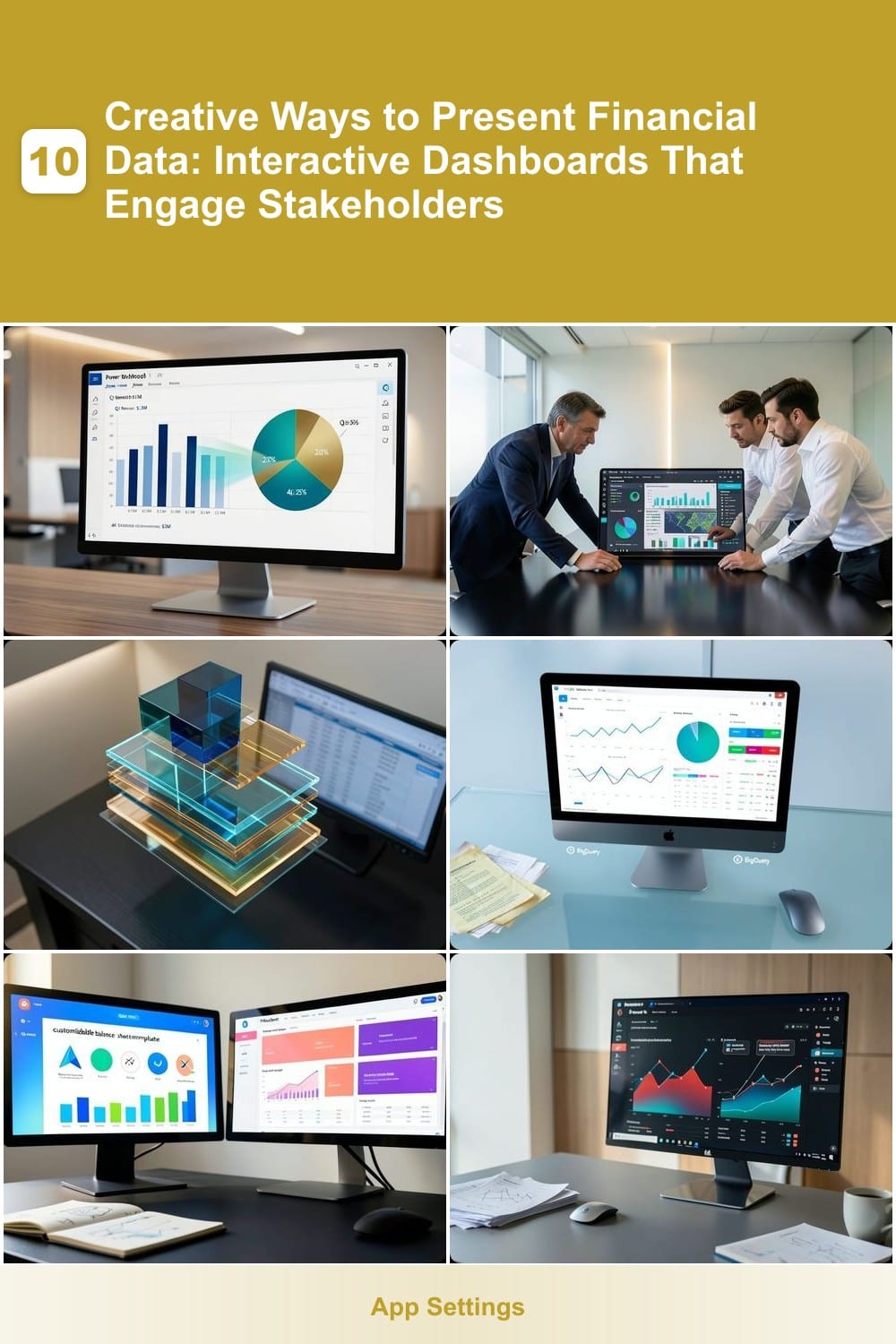
Tired of stakeholders glazing over static financial charts? PowerPoint Morph Transitions can turn your dry reports into compelling narratives—no coding required. This feature lets you animate data visualizations (like bar charts morphing into pie charts) to highlight trends over time, making complex concepts instantly digestible for non-technical audiences.
With zero setup, you can animate 10+ chart types (line graphs, maps, even icons) using just a few clicks. The smooth transitions (e.g., a 2022 revenue bar seamlessly transforming into 2023’s) create emotional engagement—critical for retaining attention during board meetings. Pro tip: Pair with built-in timers to auto-advance slides for hands-free storytelling.
Perfect for finance teams, marketers, or educators who need to simplify data without sacrificing professionalism. Even executives who "don’t like slides" will pause when they see numbers move to tell a story. ✨
Interactive Tableau Dashboards with Drill-Down Filters

Tired of executives asking, "Can we see the details behind that number?"—only to wait for IT to build a custom report? Tableau’s drill-down filters let stakeholders explore financial data independently, uncovering insights in seconds without technical help.
With zero coding required, you can build dashboards where a single click reveals hidden trends—like drilling from total revenue into regional breakdowns, then down to individual product performance. The Tableau Desktop version integrates seamlessly with Excel, SQL, and cloud databases, while the Tableau Server ensures secure, role-based access. For executives on the go, the mobile app keeps dashboards accessible from anywhere.
This is the go-to solution for finance teams who want to empower decision-makers—no more waiting for reports or deciphering static charts. Perfect for CFOs, controllers, and analysts who need self-service analytics without the IT bottleneck. ✨
3D Financial Models in Excel with Power Query

Tired of flat spreadsheets that bury insights under layers of numbers? Excel’s Power Query lets you transform raw financial data into interactive 3D models—like stacking revenue streams, expense layers, or forecast scenarios—all while keeping calculations intact.
Start by importing data into Power Query, then use Excel’s 3D Maps (built into newer versions) to create depth charts with drill-down capabilities. The Power Query Editor cleans and merges datasets automatically, while slicers let stakeholders filter layers dynamically. No coding required—just drag-and-drop to reveal trends like profit margins across regions or time periods.
This is the perfect tool for accountants and financial analysts who need to balance precision with visual storytelling. Share the 3D model as a clickable Excel file or export it to PowerPoint for presentations—without losing the underlying data integrity. ✨
Live Data Visualizations with Google Data Studio
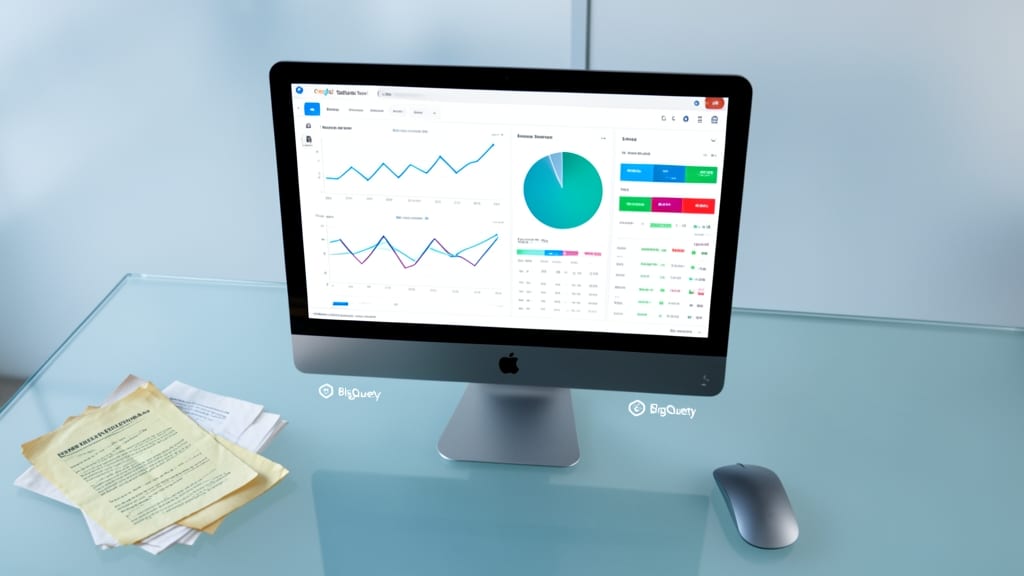
Tired of static financial reports that feel like they’re stuck in 2010? Google Data Studio turns raw numbers into live, interactive visualizations—no coding required. It connects to Google Sheets, BigQuery, and even third-party APIs (like Stripe or QuickBooks) to pull real-time data into customizable dashboards.
With zero-config connectors for popular financial tools, you can build reports that update automatically—think real-time revenue tracking, cash flow heatmaps, or investor-grade KPI dashboards—all without the hefty price tag of Tableau or Power BI. The drag-and-drop interface lets you design professional-looking charts, scorecards, and tables in minutes, while sharing options keep stakeholders engaged with interactive filters and drill-down capabilities.
Perfect for startups and small teams balancing tight budgets and real-time decision-making, this tool lets you focus on insights—not IT overhead. ✨
Infographic-Style Reports Using Canva and Piktochart
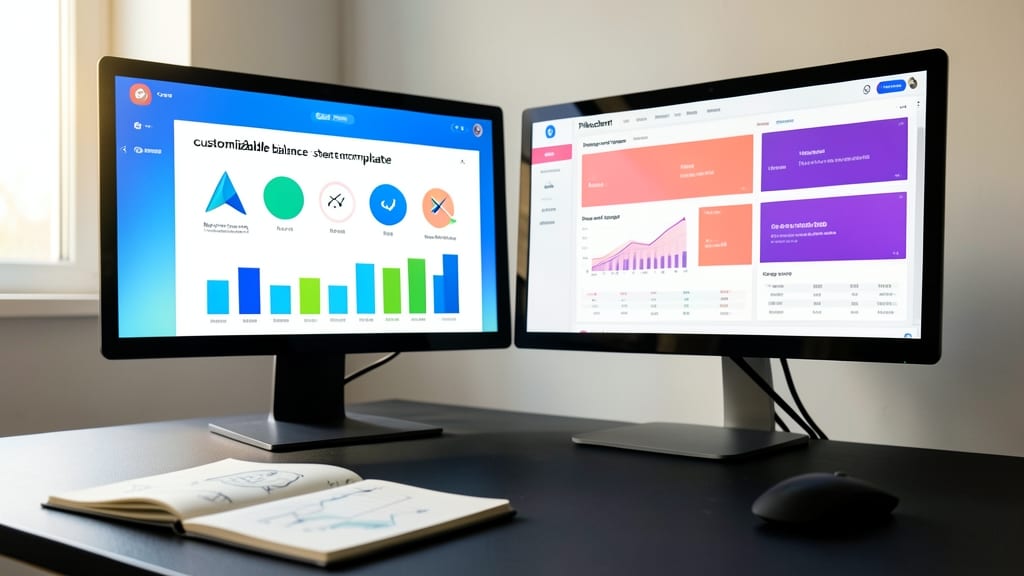
Tired of stakeholders glazing over dense financial reports? Canva and Piktochart turn numbers into eye-catching infographics that stick—no design degree required.
Both platforms offer drag-and-drop templates for balance sheets, revenue growth, and ROI metrics, with customizable icons, color schemes, and even animated elements. Canva’s Pro plan ($12.99/month) unlocks premium financial-themed layouts, while Piktochart’s Business tier ($29/month) adds white-label branding for client-facing reports. Export as PNG, PDF, or even interactive HTML for email campaigns.
Marketing teams and small business owners will love how these tools transform quarterly updates into shareable social media snippets or investor pitch decks. No coding, no spreadsheets—just clarity with a polished finish. ✨
AI-Powered Summaries with Microsoft Power BI Insights

Tired of spending hours manually summarizing financial reports only to have stakeholders miss the key takeaways? Microsoft Power BI Insights uses built-in AI to automatically detect and highlight meaningful trends, anomalies, and patterns in your data—saving you time while keeping everyone aligned.
The tool’s AI-powered Q&A feature lets you ask natural language questions like "What drove our Q2 revenue spike?" and get instant visual answers. It also generates automated insight cards that surface critical metrics (e.g., year-over-year growth or budget variances) without requiring custom dashboards. With seamless integration into Power BI’s existing ecosystem, you can embed these insights directly into reports, emails, or SharePoint—no extra tools needed.
Perfect for financial analysts, CFOs, and data teams who juggle multiple reports daily, this feature turns raw data into actionable summaries in minutes. 💡
Interactive PDF Reports with Adobe Acrobat Forms
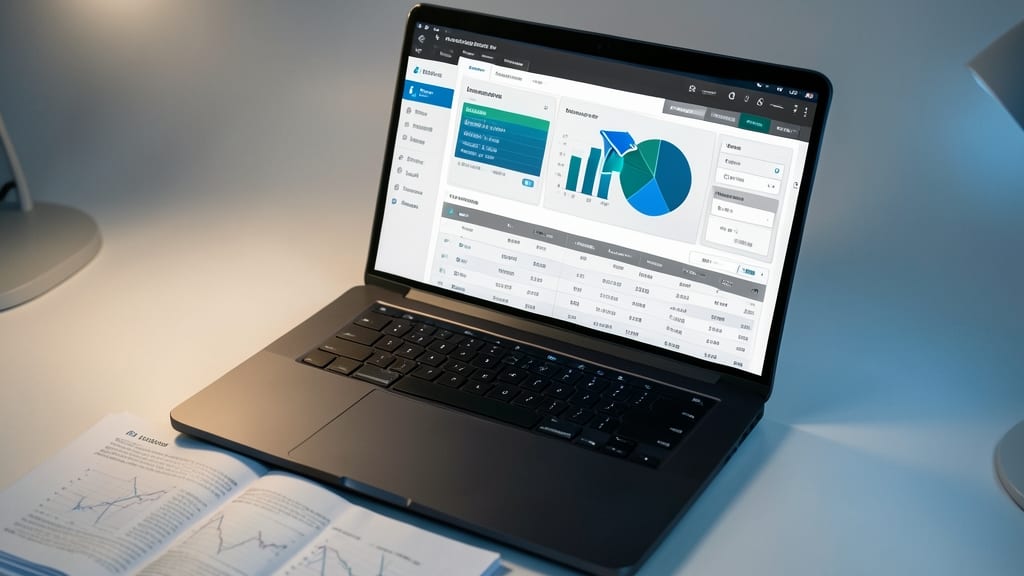
When your clients demand insights but can’t access live dashboards, Adobe Acrobat Forms bridges the gap by turning static PDFs into interactive financial hubs. No more sending raw spreadsheets—embed clickable charts, data tables, and even form fields that let stakeholders filter views without exposing sensitive source data.
The Acrobat Pro DC version lets you add buttons that trigger calculations, highlight trends in embedded Excel data, and even restrict edits with password protection or certified signatures. For financial advisors, this means sharing client portfolios with drill-down capabilities while keeping proprietary models locked—all in a universally accessible format.
Perfect for advisors who need secure, portable reports that work offline or on mobile devices, Acrobat Forms turns PDFs into self-contained analytics tools. ✨
Gamified Financial Tracking with Trello Boards

Tired of staring at static spreadsheets that make budgeting feel like homework? Trello’s drag-and-drop Kanban boards turn financial tracking into an interactive game—where every move feels like leveling up. Small business owners who thrive on agile workflows will love how color-coded cards replace rows of numbers, making cash flow, expenses, and revenue goals visually intuitive.
Start by creating lists for categories (e.g., "Income," "Expenses," "Investments") and cards for transactions—drag them between lists to allocate funds or track progress. Integrate with Power-Ups like Toggl Track for time-based budgeting or Slack to sync financial alerts with your team. The mobile app lets you adjust budgets on the go, so you’re never stuck at a desk.
Perfect for solopreneurs and teams who prefer collaborative, real-time updates over emailing spreadsheets. No coding or design skills needed—just visual problem-solving. 💪
Real-Time Financial Heatmaps with Python and Matplotlib

When financial data feels overwhelming, Python and Matplotlib turn raw numbers into instant visual insights with real-time heatmaps. This combo lets you highlight anomalies like market spikes or budget outliers with just a few lines of code—no expensive software required.
Using Matplotlib’s imshow() and Seaborn’s color palettes, you can generate customizable heatmaps in minutes. Add interactive tooltips with plotly for deeper dives, or animate trends over time. The open-source stack integrates seamlessly with Pandas for live data processing, making it ideal for data scientists who need speed without sacrificing precision.
Perfect for analysts tracking portfolio risks or operational costs, this method shines when you need to spot patterns faster than spreadsheets allow. 💡
Voice-Activated Financial Summaries with Amazon Alexa Skills

Tired of scrolling through reports while stuck in traffic? Amazon Alexa Skills can deliver your financial updates hands-free, turning your daily commute into a productivity powerhouse. With voice-activated summaries, you get real-time insights—like revenue trends, budget alerts, or stock performance—without lifting a finger.
Skills like Finance Tracker or QuickBooks integration let you ask, "Alexa, what’s this quarter’s profit margin?" and get a clear, concise answer. The Alexa Financial Skills Kit even supports custom APIs for deeper integrations, so you can sync data from QuickBooks, Xero, or even custom ERP systems. No screens, no clicks—just seamless, spoken updates.
Perfect for executives on the go, this method ensures you’re always in the loop—whether you’re driving, walking, or multitasking. No more missed deadlines or overlooked trends. ⚡