My first computer was a clunky desktop my dad bought me in the late '90s, and I remember spending hours trying to get games to run without crashing. That curiosity never left me. Now, I run this site to break down tech in a way that makes sense—whether it’s troubleshooting a stubborn PC, exploring the latest software, or just figuring out how to make your devices work *with* you, not against you. Think of me as your tech translator, here to turn jargon into actionable tips.
Installing a certificate on Windows 10 doesn’t have to feel like decoding an ancient IBM manual from my dad’s scrap yard days. ✨ I’ve walked through this process with clients who freeze at the first pop-up, and the…
Installing Hadoop on Windows used to feel like wrestling an alligator—until I cracked the error-free setup by treating it like a precision build, not a hack. ✨ The key? Treating Windows like a guest OS in WSL2, where…
Installing OneNote on Windows 10 is shockingly simple—no tech degree required. ✨ I’ve guided hundreds through this process, from my uncle’s basement workshop to Denver tech centers, and the steps stay the same. The…
Installing Outlook on your iPhone is the fastest way to get professional email management on the go. ✨ I’ve helped dozens of clients set it up—even those who swore they’d never touch tech—and the process is shockingly…
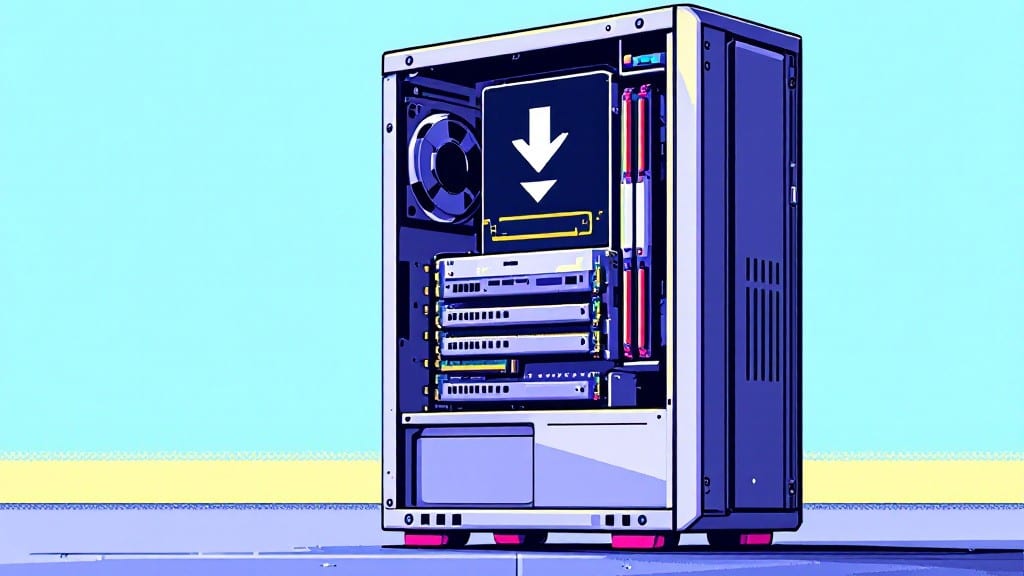
Installing RAM in a desktop PC is one of those upgrades that feels like cheating—more speed, more power, and no need to buy a whole new machine. I still remember helping my dad slot in SIMMs for our old IBM AT back in…
Learning how to install Snipping Tool in Windows 11 is simple—it’s already built into your system, and I spent years helping users reinstall what they already had. ⚡ The tool comes preloaded, but most people miss the…
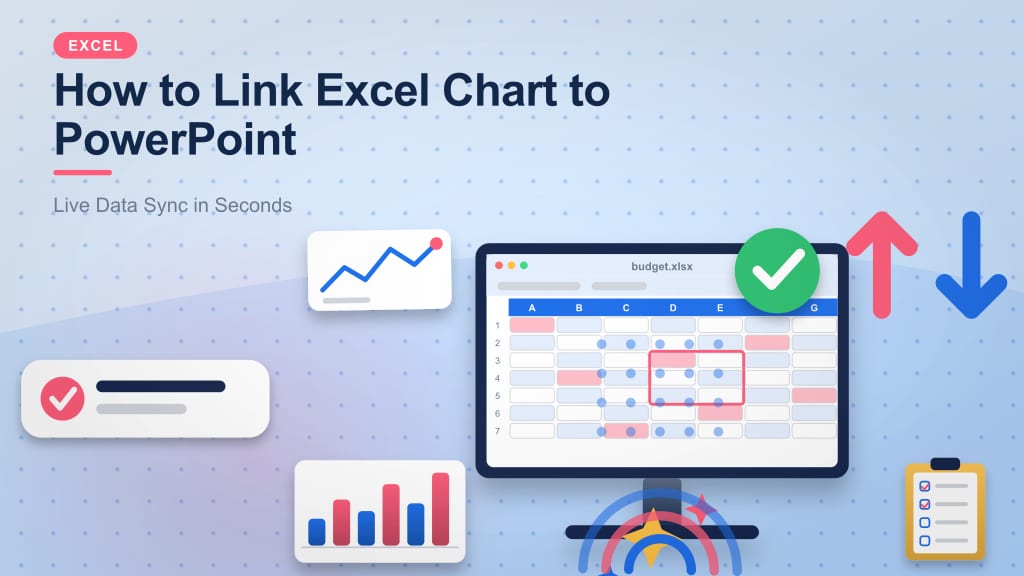
To link an Excel chart to PowerPoint and keep your data fresh, you only need three clicks —and I’ve done this hundreds of times for presentations that needed real-time updates. The key is embedding the chart as a link…
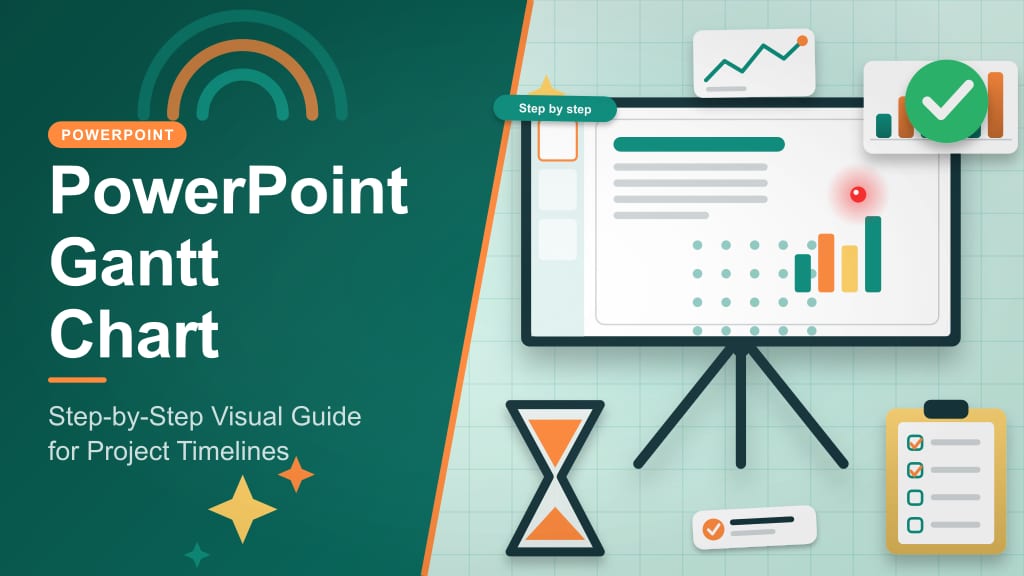
Making a Gantt chart in PowerPoint isn’t just possible—it’s shockingly straightforward once you know the right approach. ✨ I’ve built dozens of these for client presentations, and the key is using PowerPoint’s built-in…
Reinstalling Windows XP can feel like stepping back in time—but with the right steps, you’ll end up with a clean, stable system that actually works better than your original install. I’ve done this dance more times than…
Learn how to recover a PowerPoint file not saved after a crash—and I’ve pulled back dozens just like it using AutoRecover’s hidden tricks. 💡 The first place to look is your computer’s temporary files, where PowerPoint…