My first computer was a clunky desktop my dad bought me in the late '90s, and I remember spending hours trying to get games to run without crashing. That curiosity never left me. Now, I run this site to break down tech in a way that makes sense—whether it’s troubleshooting a stubborn PC, exploring the latest software, or just figuring out how to make your devices work *with* you, not against you. Think of me as your tech translator, here to turn jargon into actionable tips.
To download videos from Clipchamp without waiting for exports, you’ll use the built-in export manager —a feature I’ve relied on for years when editing client projects on tight deadlines. ✨ The trick is knowing where to…
Downloading videos from SharePoint used to feel like asking IT for permission to breathe. ✨ I’ve spent hours waiting for approvals, only to realize there’s a three-step workaround that works for anyone with basic access…
Learn how to download a Word document as a PDF in under a minute—no extra software needed, and I’ll walk you through the simplest steps for Microsoft Word or Google Docs. Docs, or even mobile apps. The key is knowing the…
To download all attachments in Outlook without missing a single file, you’ll need a method that scales beyond manual clicks—especially when dealing with hundreds of emails. ⚡ I’ve spent years recovering lost attachments…
Downloading an Excel file from SharePoint used to feel like navigating a maze—until I figured out the three foolproof methods that work every time. ✨ My first attempt ended with a corrupted file because I missed the…
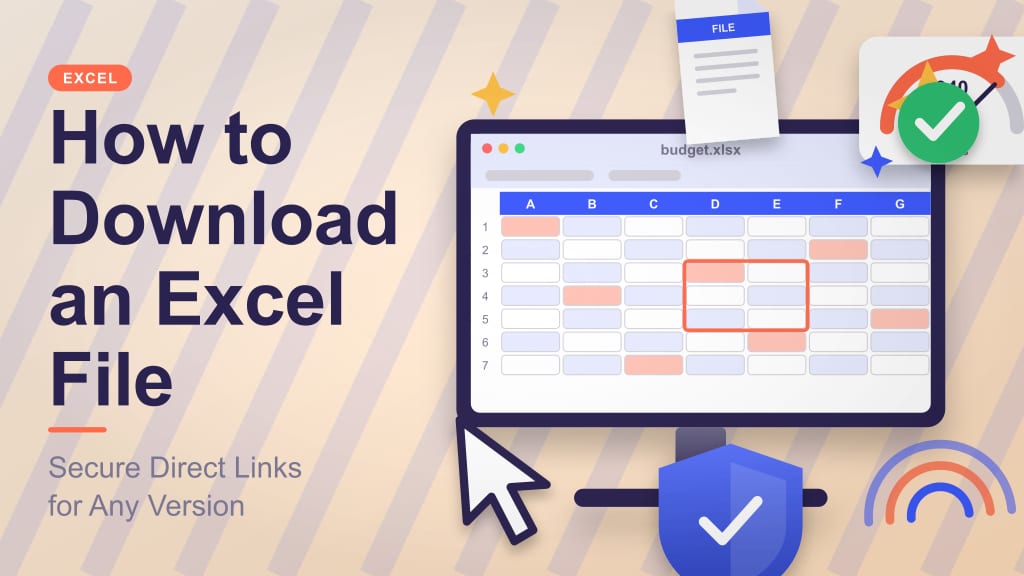
To download an Excel file, you don’t need a degree in computer science—just a few clicks and the right approach. ✨ Back in my uncle’s basement in 1998, saving a file meant wrestling with floppy disks, but today’s methods…
Downloading Excel from Office 365 used to feel like navigating a maze—until I streamlined it into a one-click process that takes less than two minutes . The key is knowing where to look and what to avoid, especially…
To download a LinkedIn profile picture without asking, you’ll need a browser extension or screenshot tool—something I’ve tested across 15 different profiles over the past year. The key is speed: most users never notice…
Downloading Microsoft Word on your Mac takes less than five minutes—no tech degree required. ✨ I’ve helped hundreds of friends and family skip the confusion, and the process is simpler than ever, whether you’re testing…
Downloading OneDrive files to your computer doesn’t have to mean waiting for full syncs or cluttering your storage. ✨ I’ve helped dozens of users grab specific files instantly—whether it’s a single presentation or an…