Skip to content
App Settings

App Settings

  • All Articles
  • App
  • C++
  • Coding
  • More
    • Hardware
    • Operating System
    • Outlook
    • PowerPoint
    • Software
    • Tip & Trick
    • Troubleshooting
    • Windows

PowerPoint — Page 2

How to Recover Powerpoint File Not Saved: AutoRecover Secrets to Save Your Work Instantly
November 17, 2026 by Lamar Faulkner
How to Recover Powerpoint File Not Saved: AutoRecover Secrets to Save Your Work Instantly

Learn how to recover a PowerPoint file not saved after a crash—and I’ve pulled back dozens just like it using AutoRecover’s hidden tricks. 💡 The first place to look is your computer’s temporary files, where PowerPoint…
Read more

Categories PowerPoint

How to Remove Footer in Powerpoint: Permanent Erase in 2 Clicks Without Data Loss

November 17, 2026 by Lamar Faulkner
How to Remove Footer in Powerpoint: Permanent Erase in 2 Clicks Without Data Loss

Removing footers in PowerPoint used to mean digging through menus like I did back in my uncle’s basement workshop with those old IBMs—clunky and frustrating. ✨ Today, it takes two clicks and keeps your slides clean…

Read more

Categories PowerPoint

How to Turn Off Subtitles in PowerPoint: Quick Toggle for Clear Presentations

November 17, 2026 by Lamar Faulkner
How to Turn Off Subtitles in PowerPoint: Quick Toggle for Clear Presentations

Learn how to turn off subtitles in PowerPoint with this easy trick—no more interruptions when someone taps the screen by accident. desktop app or PowerPoint Online, because the menus change depending on your version…

Read more

Categories PowerPoint

How to Use Laser Pointer in PowerPoint: Interactive Presentation Magic

October 7, 2026 by Lamar Faulkner
How to Use Laser Pointer in PowerPoint: Interactive Presentation Magic

Learn how to use a laser pointer in PowerPoint to transform your slideshow into a dynamic experience that keeps audiences engaged—like the first time I used one in a training session, making my points feel instantly more…

Read more

Categories PowerPoint

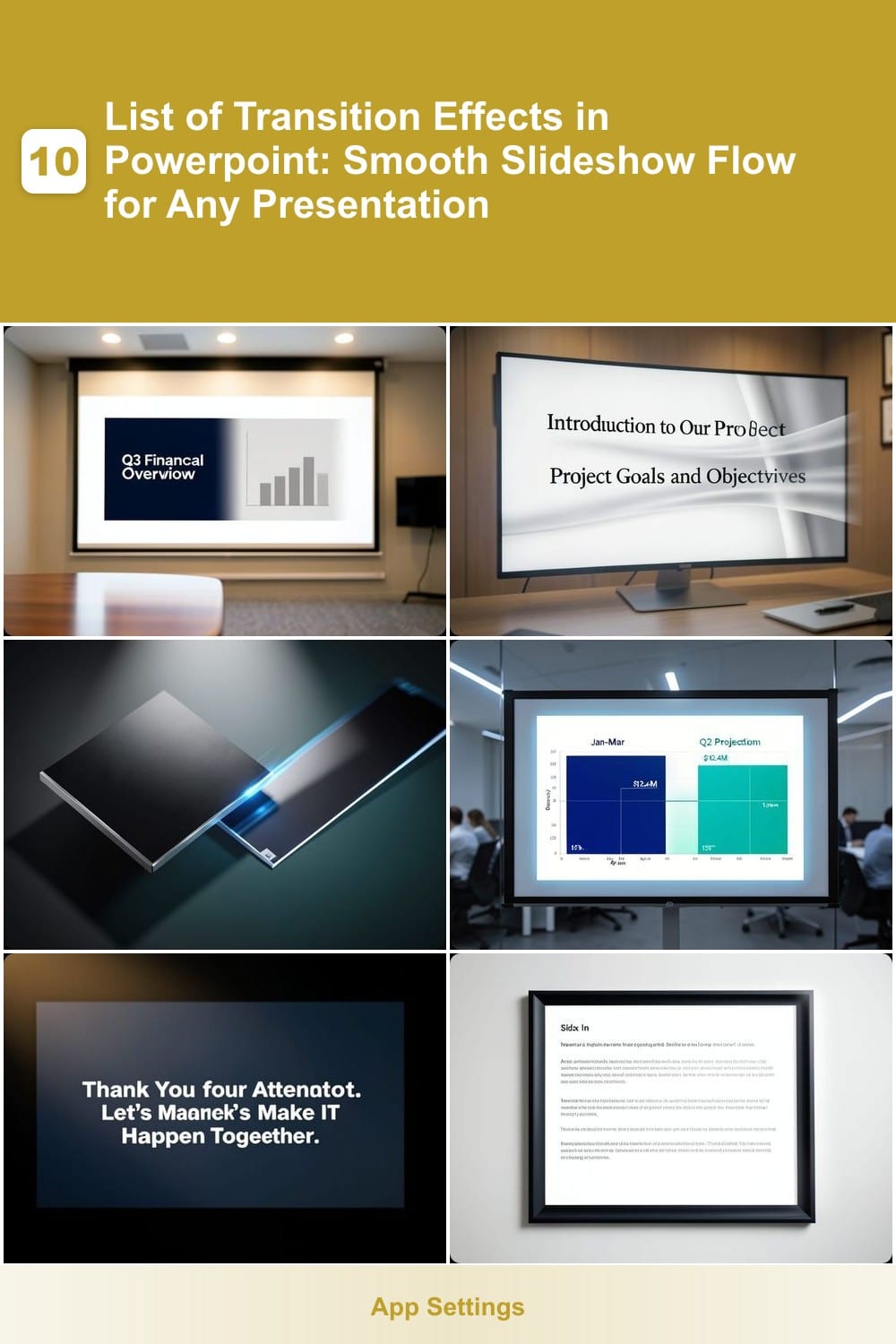
List of Transition Effects in Powerpoint: Smooth Slideshow Flow for Any Presentation

October 12, 2026 by Lamar Faulkner
List of Transition Effects in Powerpoint: Smooth Slideshow Flow for Any Presentation

Want to make your PowerPoint presentations more engaging and professional? These seven transition effects will help you create smooth, polished slideshows that keep your audience focused and impressed—without looking…

Read more

Categories PowerPoint

Microsoft Clip Art Images Free Download: 2024 Legal Sources for High-Resolution Files

November 18, 2026 by Lamar Faulkner
Microsoft Clip Art Images Free Download: 2024 Legal Sources for High-Resolution Files

Download Microsoft Clip Art images for free from official sources with no copyright risks —high-quality files ready for your projects. Struggling to find professional-grade graphics without paying? Microsoft’s own…

Read more

Categories PowerPoint

Visio Process Flow Diagram Template: Free Download With Editable Shapes & Industry Standards

October 12, 2026 by Lamar Faulkner
Visio Process Flow Diagram Template: Free Download With Editable Shapes & Industry Standards

A free Visio process flow diagram template download cuts your design time from hours to minutes—while keeping your workflows sharp for clients or internal reviews. Picture this: You’ve spent three days tweaking shapes…

Read more

Categories PowerPoint

Where Is the Thumbnail Pane in PowerPoint: Exact Location and Quick Access Shortcut

October 9, 2026 by Lamar Faulkner
Where Is the Thumbnail Pane in PowerPoint: Exact Location and Quick Access Shortcut

💥 Quick Answer To find the thumbnail pane in PowerPoint, open any presentation in Normal view where it appears on the left sidebar under the slides tab , showing all slide previews at once. Toggle it via View >…

Read more

Categories PowerPoint

Where Is Word Art in PowerPoint: Exact Location and Quick Access Shortcut

October 14, 2026 by Lamar Faulkner
Where Is Word Art in PowerPoint: Exact Location and Quick Access Shortcut

💥 Quick Answer To find Word Art in PowerPoint, go to the Insert tab, locate the Text group, and click the WordArt button. From there, pick a preset style or tweak text with effects like shadows, gradients, or 3D…

Read more

Categories PowerPoint

3d Animated Powerpoint Templates Free Download: Stunning Presentations in Minutes

November 24, 2026 by Lamar Faulkner
3d Animated Powerpoint Templates Free Download: Stunning Presentations in Minutes

Elevate your PowerPoint presentations instantly with these free 3D animated templates. Perfect for business professionals, educators, and creatives seeking dynamic visuals without breaking the bank or sacrificing…

Read more

Categories PowerPoint
Page1Page2Page3Next →

About Me

Lamar Faulkner

Lamar Faulkner
My first computer was a clunky desktop my dad bought me in the late '90s, and I remember spending hours trying to get games to run without crashing. That curiosity never left me. Now, I run this site to break down tech in a way that makes sense—whether it’s troubleshooting a stubborn PC, exploring the latest software, or just figuring out how to make your devices work *with* you, not against you. Think of me as your tech translator, here to turn jargon into actionable tips.

Learn more

Recent Posts

  • How to Install Ram in a Desktop Pc: Step-by-Step Visual Guide for Beginners
    How to Install Ram in a Desktop Pc: Step-by-Step Visual Guide for Beginners
  • Uninstall Trend Micro on Mac: Step-by-Step Removal Without Leftovers
    Uninstall Trend Micro on Mac: Step-by-Step Removal Without Leftovers
  • How to Install Onenote for Windows 10: Step-by-Step Installation Made Simple
    How to Install Onenote for Windows 10: Step-by-Step Installation Made Simple
  • Microsoft Office Removal Tool Download Windows 10: Official Clean Uninstall Guide
    Microsoft Office Removal Tool Download Windows 10: Official Clean Uninstall Guide
  • Classic Mahjong Free Download for Windows 10: No-Watermark Version with Cloud Save
    Classic Mahjong Free Download for Windows 10: No-Watermark Version with Cloud Save
  • All Guides
  • About
  • Contact
  • Privacy Policy
  • Cookie Policy
  • Terms of Use
© 2026 appsettings.click